


Before you head out
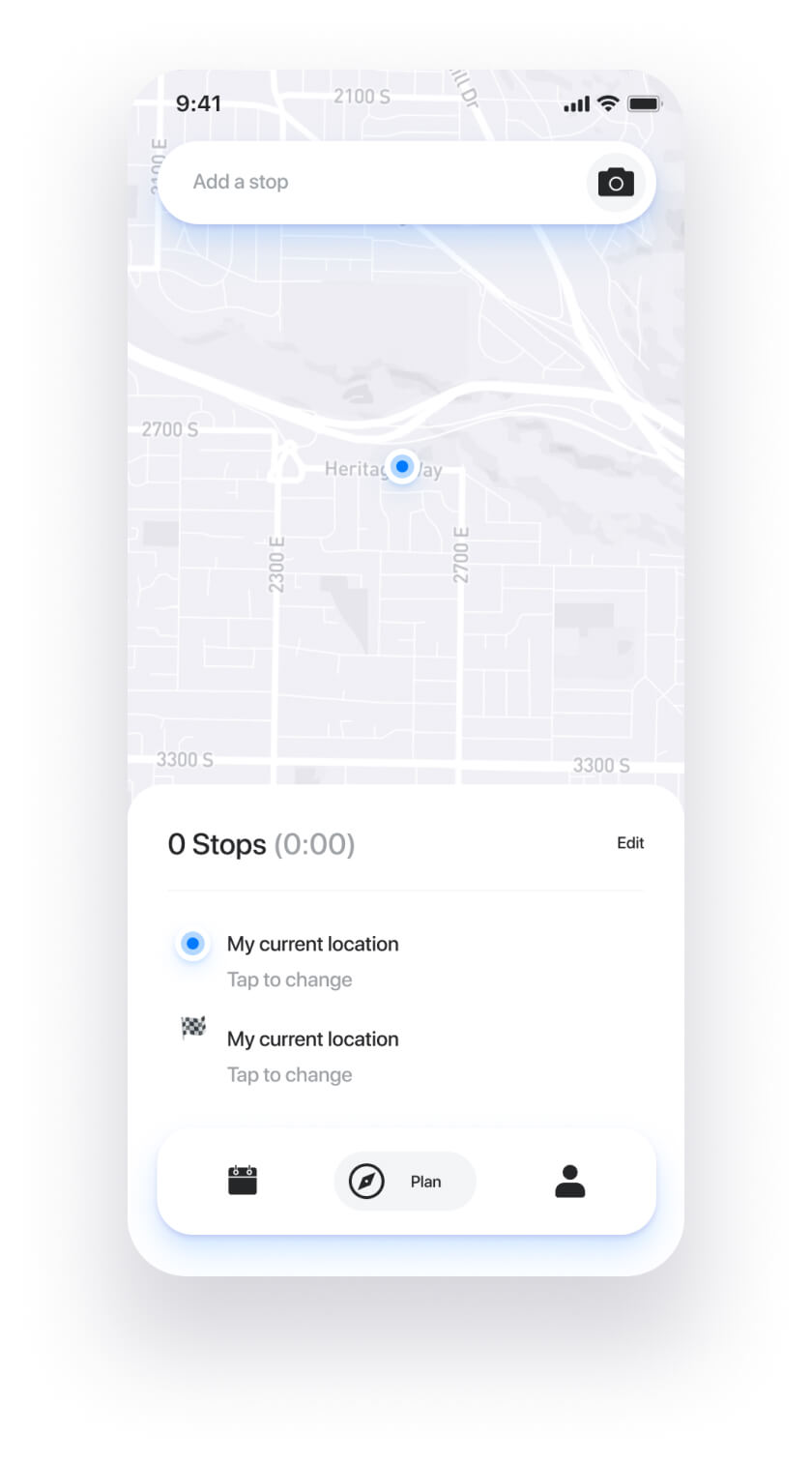
Add a client’s address
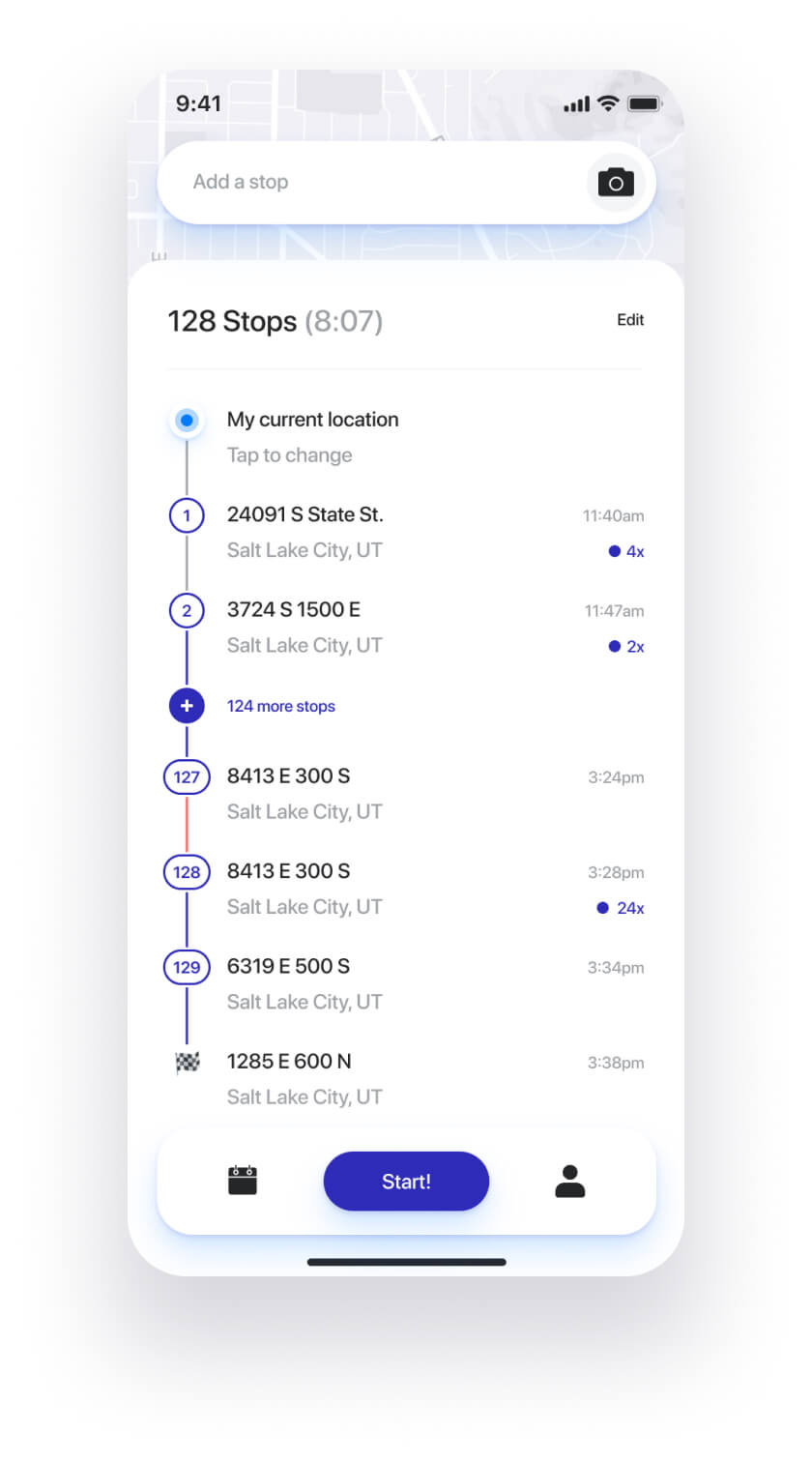
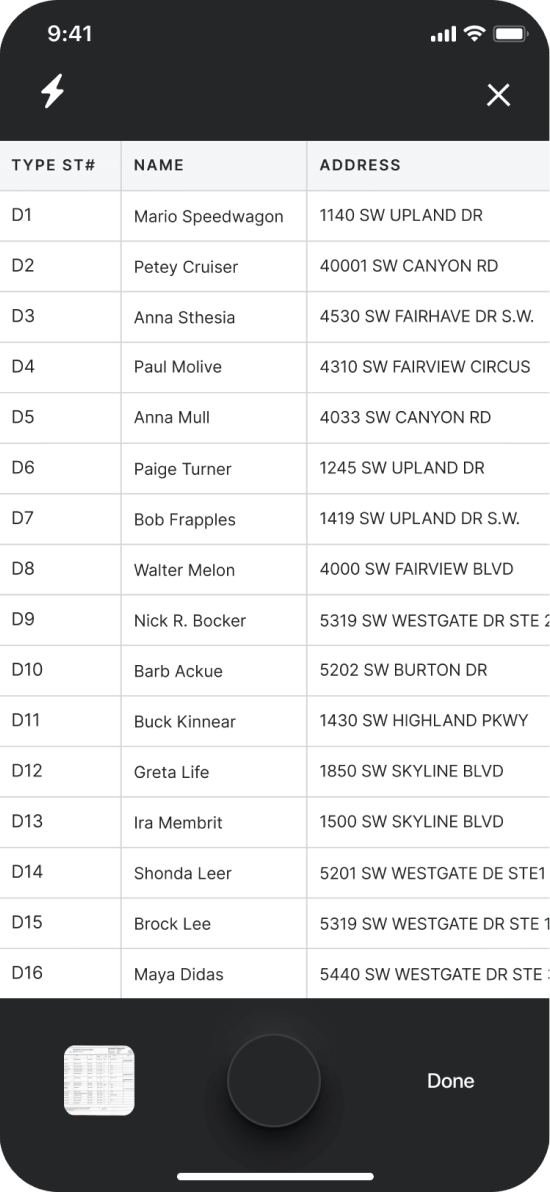
Type the address, say it aloud or photograph it on a work order. Check the result on the map before you save it. See how to add an address.


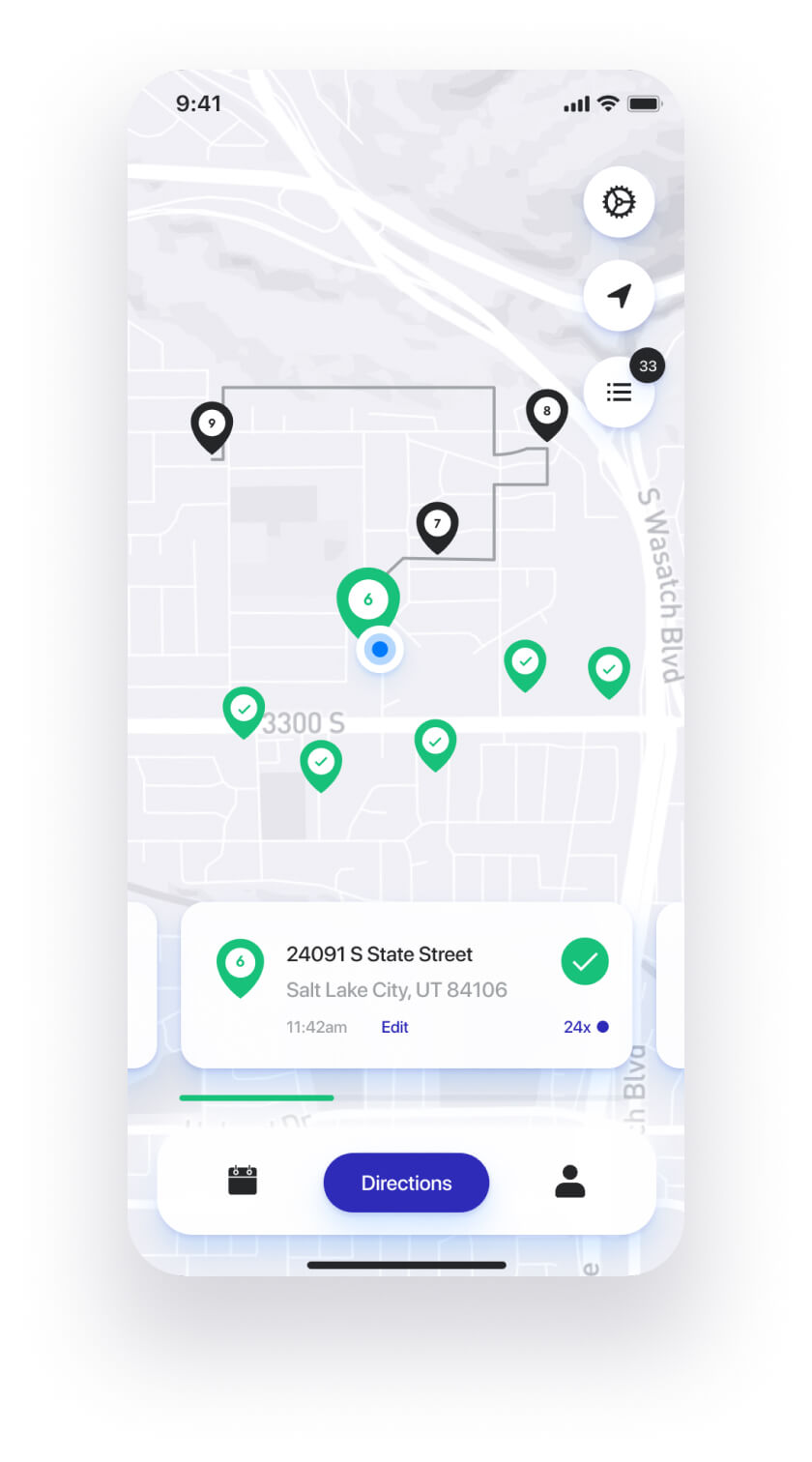
Compare two stop orders
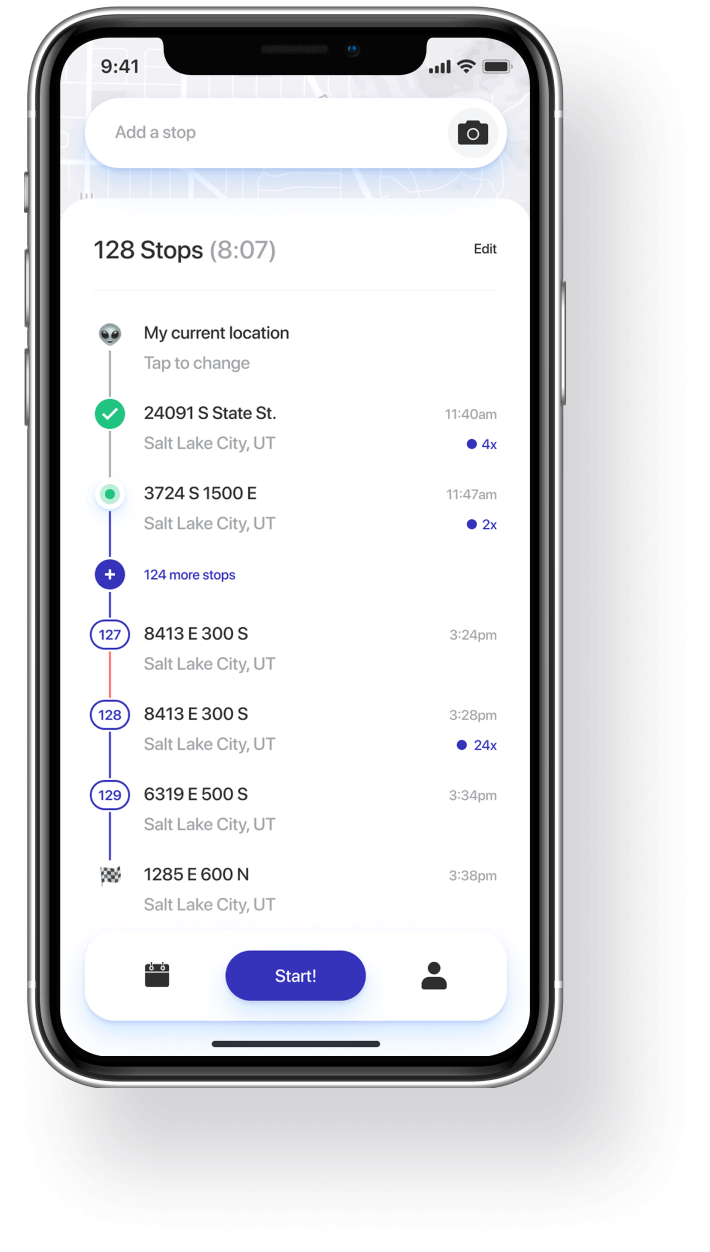
Choose your start and finish. Review the time and distance for your original order and Woope’s suggestion, then pick one. See how to plan a route.



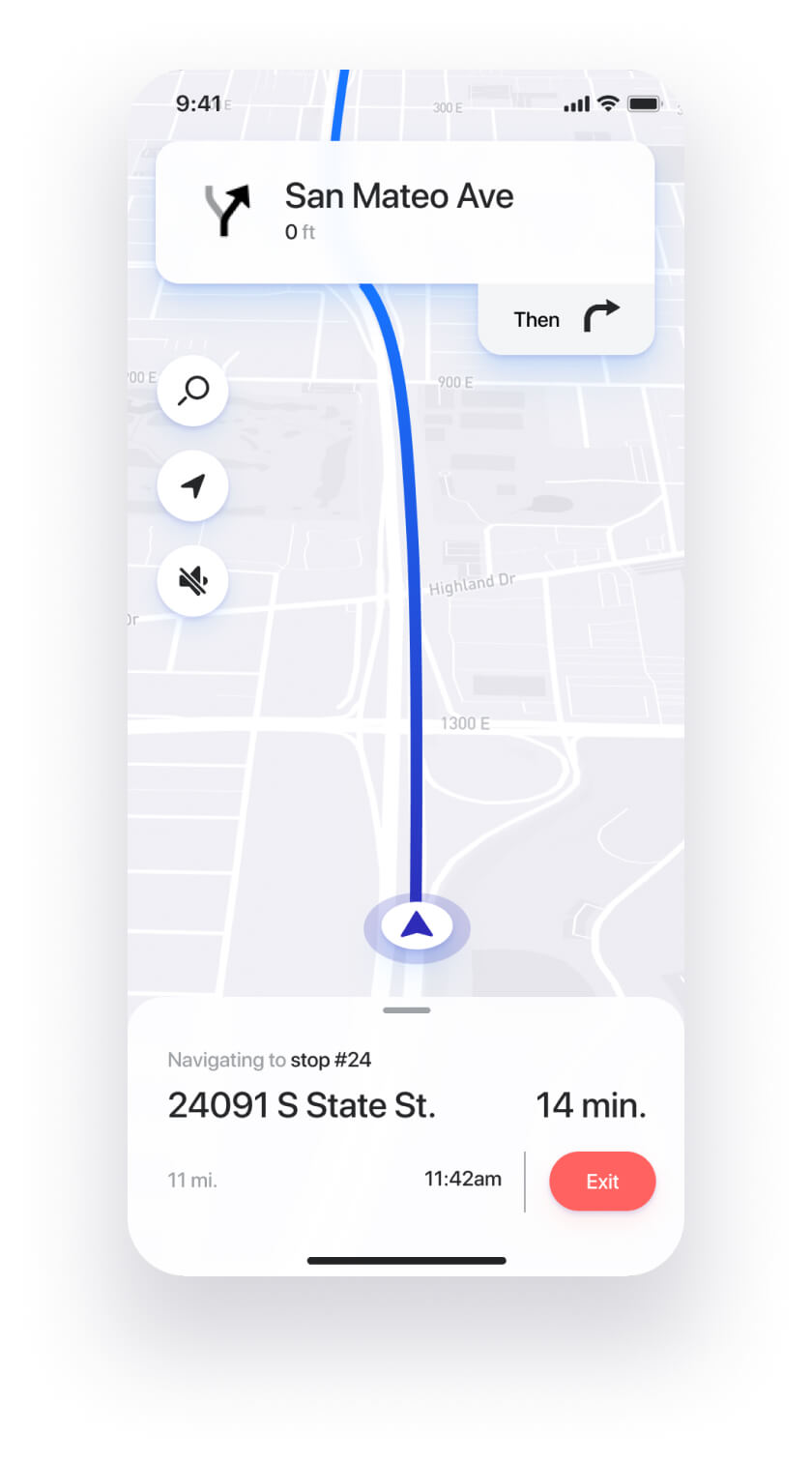
Drive with your usual maps app
Open the next address in Apple Maps, Google Maps or Waze. Come back to Woope when the visit is done. See how navigation works.
Three ways to capture an address
Photograph an address on a work order
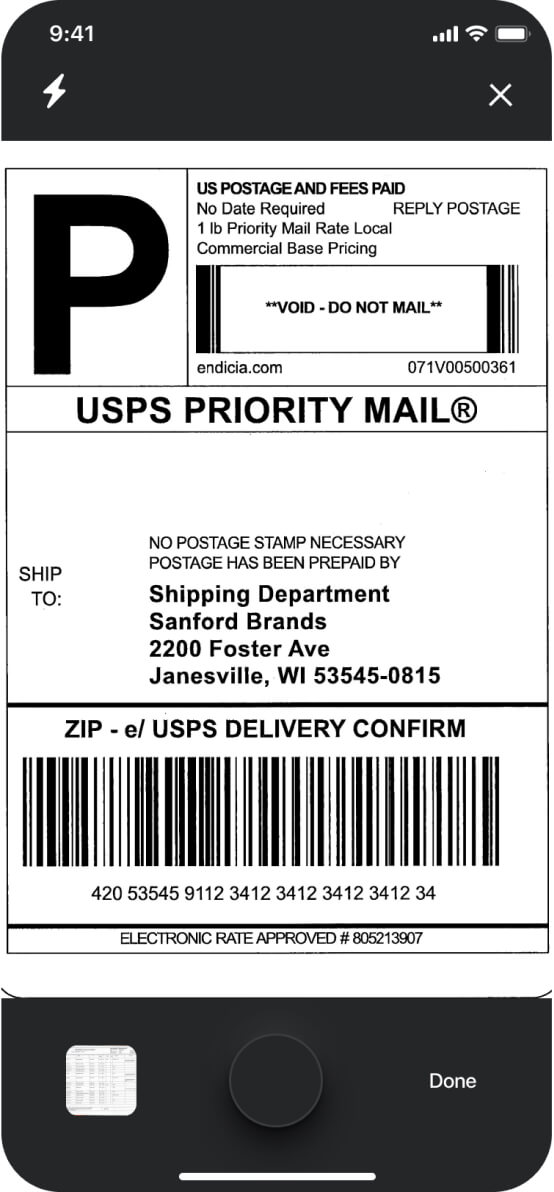
Scan the address on a label
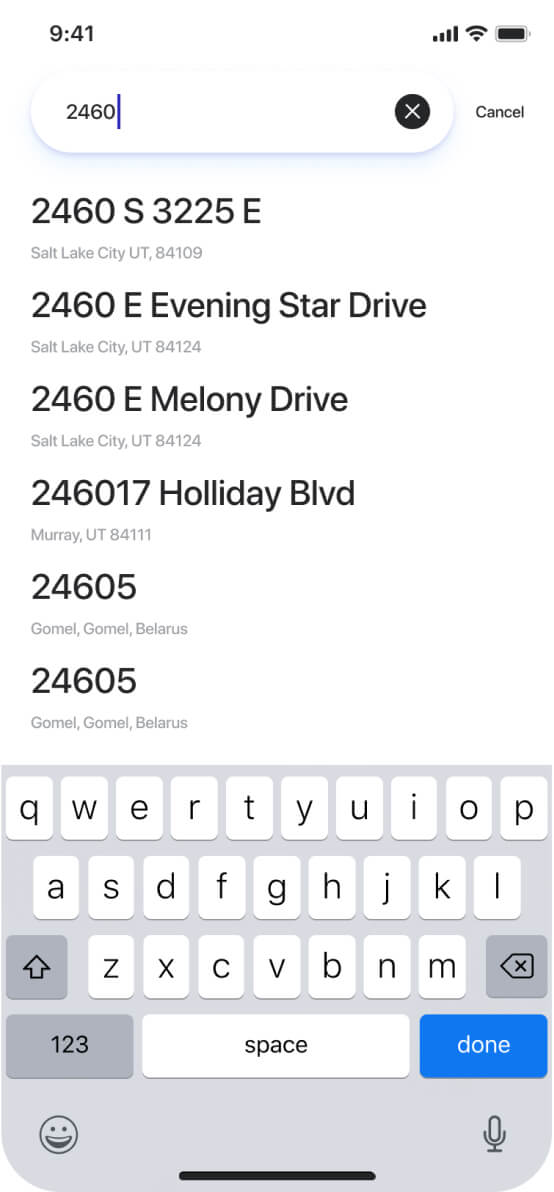
Type in a client’s address

Between client visits
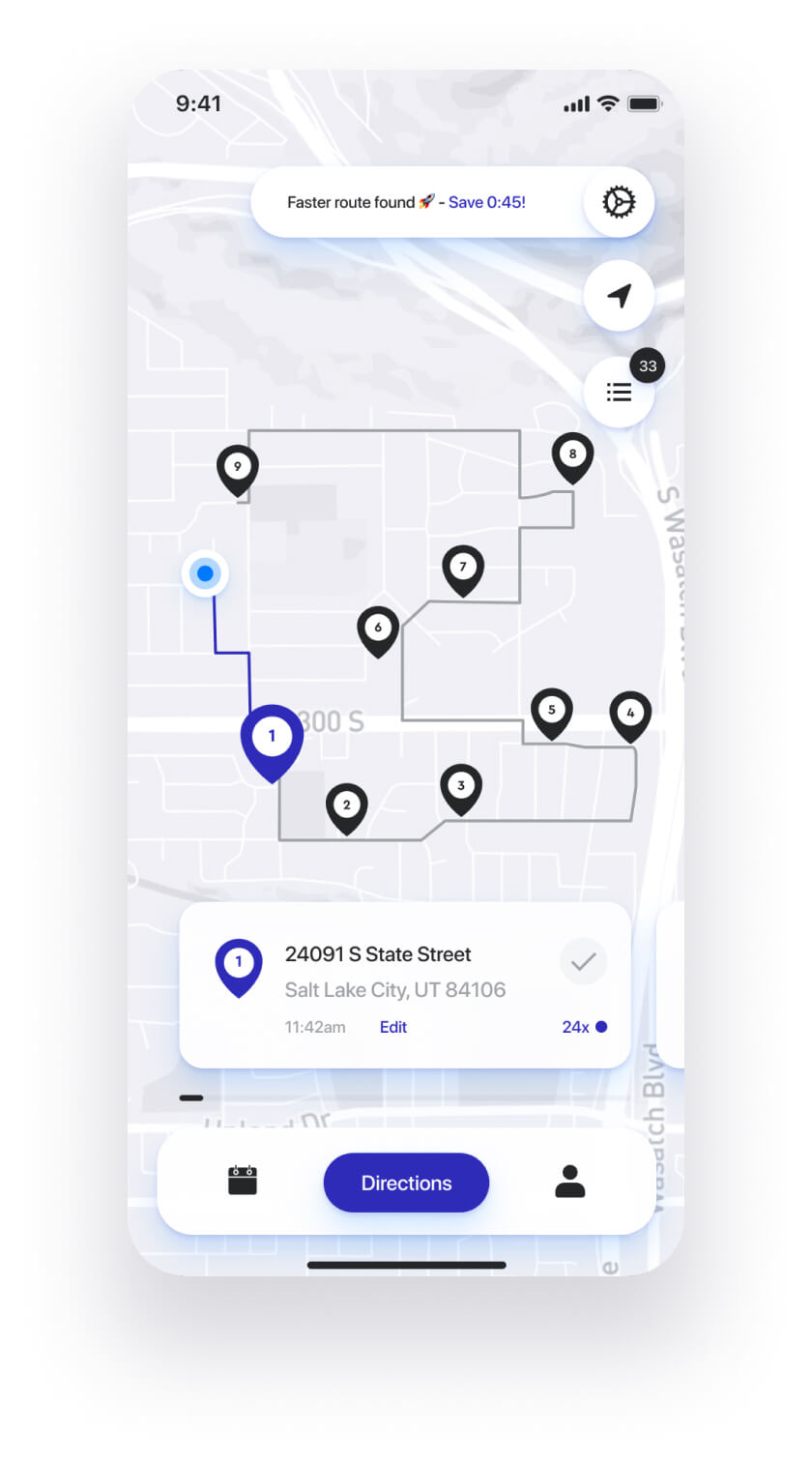
See the whole outing
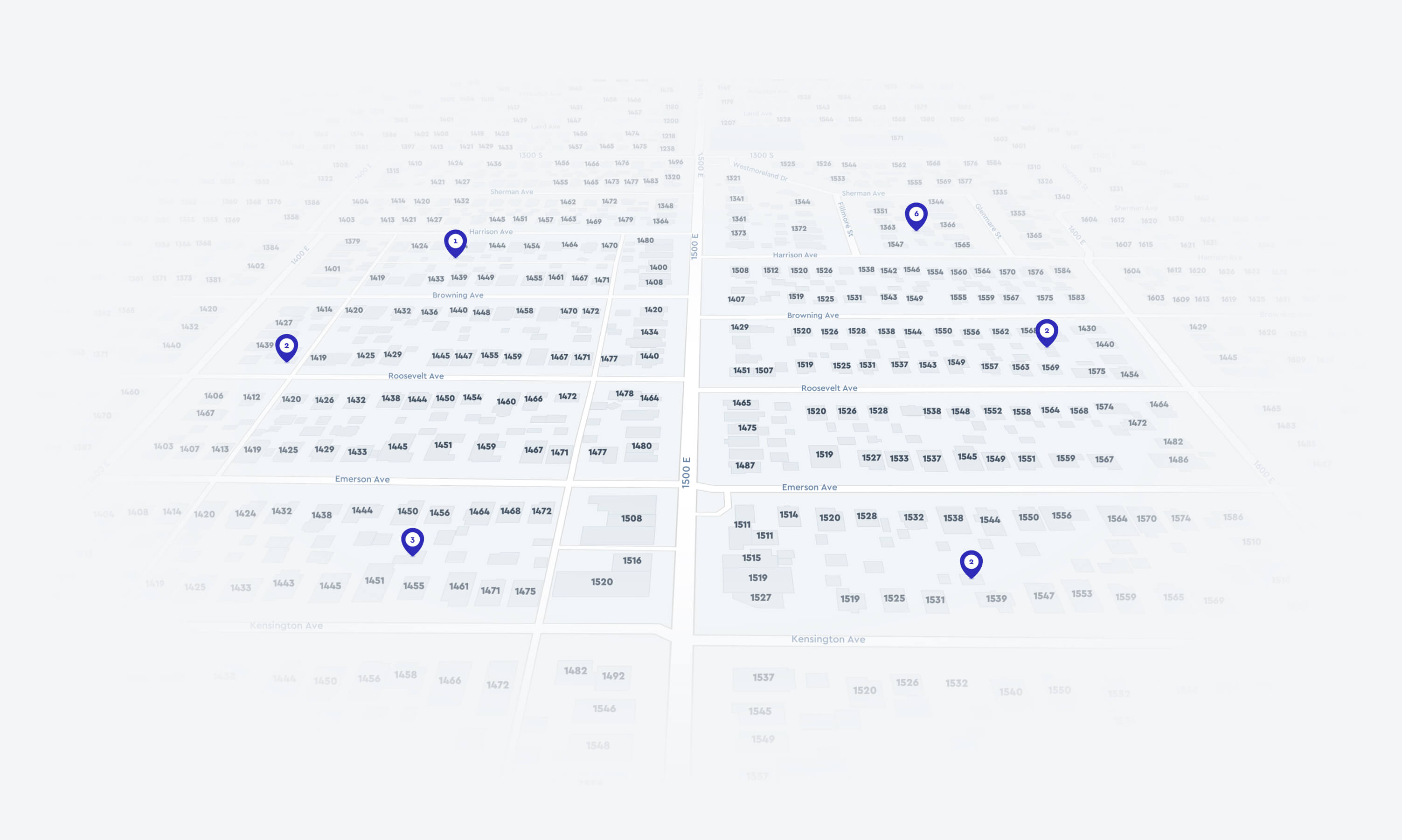
Keep each visit on one map so you can see which addresses are near each other.
Keep details with each stop
Save a parking tip or entrance note at the address where you’ll need it.
Pick up where you left off
Mark a visit complete or skip it if plans change. The remaining stops stay in the route.